Strategy vault / Trend following
Quantum Precision Multi Indicator Trend Crossover Trading Strategy
This strategy is a trading system that combines quantum precision with multiple technical indicators, achieving robust trading through multi-level trend confirmation and risk management. The strategy integrates…
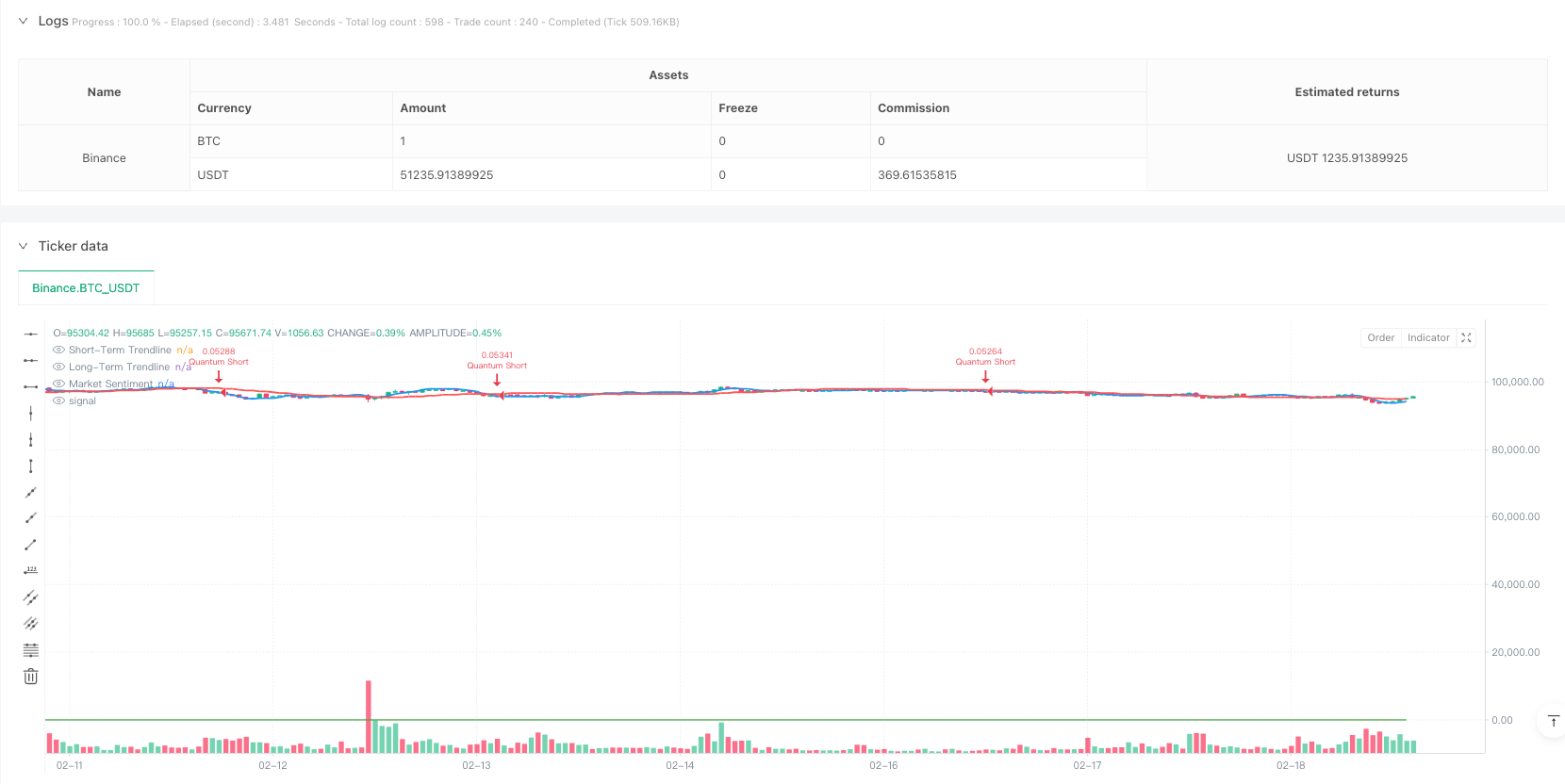
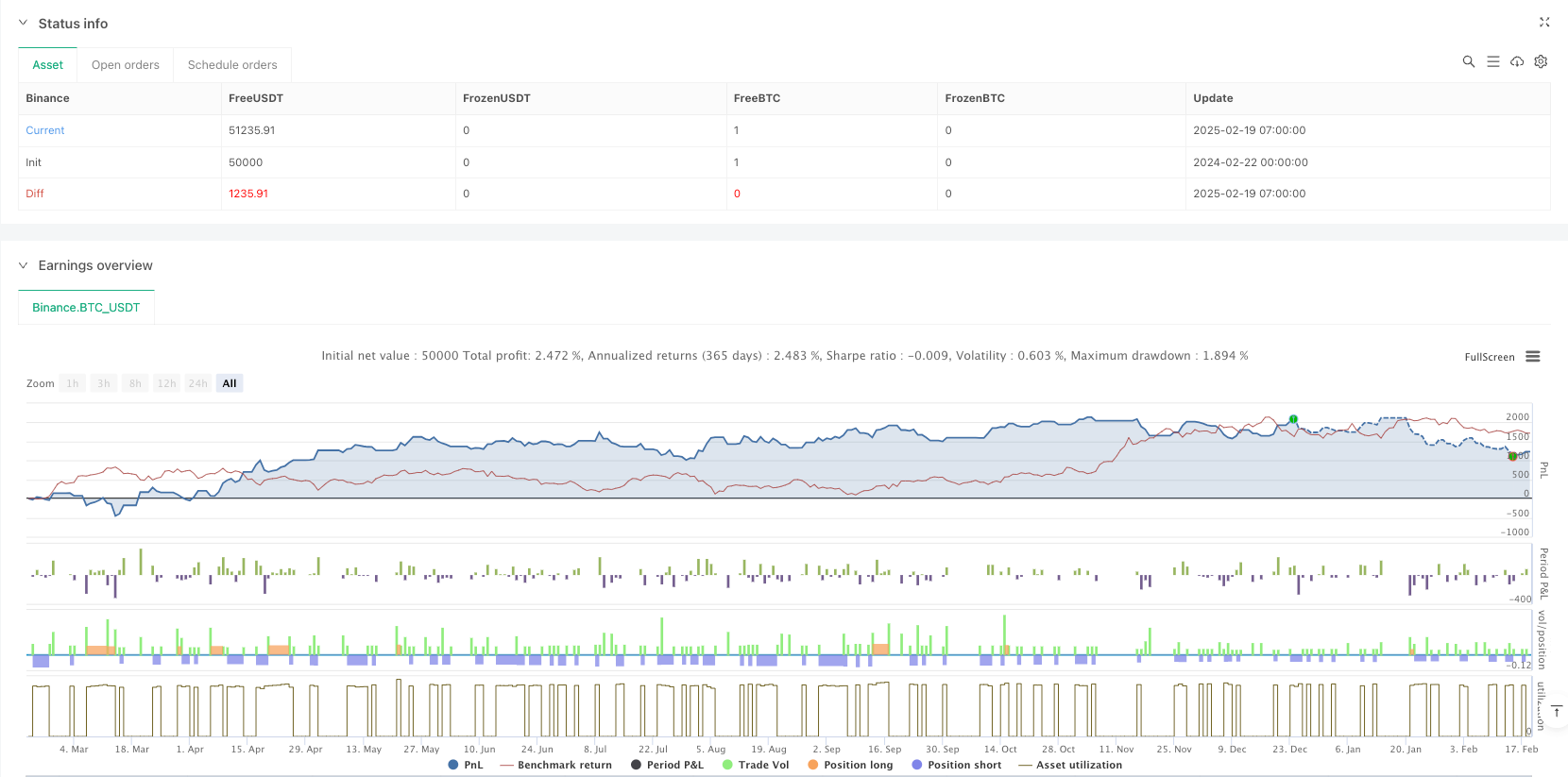
Overview
This strategy is a trading system that combines quantum precision with multiple technical indicators, achieving robust trading through multi-level trend confirmation and risk management. The strategy integrates momentum indicators, volatility analysis, trend strength, and market sentiment analysis to form a comprehensive trading decision system.
Strategy Principles
The strategy employs a multi-layered trading signal confirmation mechanism:
- Uses ATR (Average True Range) for dynamic stop-loss and profit-taking settings
- Establishes confirmation signals through triple verification of momentum indicators, volatility, and trend strength
- Executes trades at 10 and 30-period EMA crossover points
- Combines neural adaptive trendlines and AI market sentiment indicators for trend following
- Optimizes money management through a 3:1 risk-reward ratio setting
Strategy Advantages
- Multi-dimensional signal verification system significantly reduces false breakout risks
- Dynamic stop-loss settings adapt to different market environments
- Neural adaptive trendlines provide more accurate trend direction judgment
- AI market sentiment indicator enhances market insight
- Comprehensive risk management system ensures capital safety
- Clear strategy logic facilitates maintenance and optimization
Strategy Risks
- Multiple confirmation mechanisms may lead to delayed entry signals
- May trigger frequent stop-losses in highly volatile markets
- Dynamic stop-losses might not be quick enough during market shocks
- Requires large sample data for parameter optimization
- High computational complexity may affect execution efficiency
Strategy Optimization Directions
- Introduce adaptive parameter optimization system to dynamically adjust indicator parameters based on market conditions
- Add market volatility filters to automatically adjust positions in extreme market environments
- Optimize confirmation signal generation logic to reduce signal lag
- Incorporate machine learning algorithms to optimize market sentiment indicators
- Consider trading costs and optimize trading frequency
Summary
This is a complete trading system that combines traditional technical analysis with modern quantitative methods. Through multi-level signal confirmation and risk management, the strategy maintains robustness while demonstrating good adaptability. While there is room for optimization, the overall framework design is reasonable and suitable for long-term live trading. Through continuous optimization and improvement, this strategy has the potential to maintain stable performance across various market conditions.
Source Pine Script
/*backtest
start: 2024-02-22 00:00:00
end: 2025-02-19 08:00:00
period: 1h
basePeriod: 1h
exchanges: [{"eid":"Binance","currency":"BTC_USDT"}]
*/

//@version=5
strategy("Quantum Precision Forex Strategy", overlay=true, default_qty_type=strategy.percent_of_equity, default_qty_value=10)

// Input parameters
atrLength = input(14, "ATR Length")
atrMultiplier = input(2.0, "ATR Multiplier")
riskRewardRatio = input(3, "Risk-Reward Ratio")
confirmationLength = input(10, "Confirmation Period")

// ATR Calculation
aTR = ta.atr(atrLength)
stopLoss = atrMultiplier * aTR
takeProfit = stopLoss * riskRewardRatio

// Custom Quantum Confirmation Indicator
momentum = ta.mom(close, confirmationLength)
volatility = ta.stdev(close, 20) > ta.sma(ta.stdev(close, 20), 50)
trendStrength = ta.ema(close, 20) > ta.ema(close, 50)
confirmationSignal = momentum > 0 and volatility and trendStrength

// Entry Conditions
longCondition = confirmationSignal and ta.crossover(ta.ema(close, 10), ta.ema(close, 30))
shortCondition = not confirmationSignal and ta.crossunder(ta.ema(close, 10), ta.ema(close, 30))

if (longCondition)
    strategy.entry("Quantum Long", strategy.long)
    strategy.exit("Quantum Exit Long", from_entry="Quantum Long", stop=close - stopLoss, limit=close + takeProfit)

if (shortCondition)
    strategy.entry("Quantum Short", strategy.short)
    strategy.exit("Quantum Exit Short", from_entry="Quantum Short", stop=close + stopLoss, limit=close - takeProfit)

// Neural Adaptive Trendlines
trendlineShort = ta.linreg(close, 10, 0)
trendlineLong = ta.linreg(close, 50, 0)
plot(trendlineShort, title="Short-Term Trendline", color=color.blue, linewidth=2)
plot(trendlineLong, title="Long-Term Trendline", color=color.red, linewidth=2)

// AI-Inspired Market Sentiment Indicator
marketSentiment = ta.correlation(ta.ema(close, 10), ta.ema(close, 50), 20)
plot(marketSentiment, title="Market Sentiment", color=color.green)
Published by ianzeng123 on the FMZ strategy square · last modified 2025-02-21. Collected in the Quant Trading Vault. Unvalidated research: re-test with your own data and costs before trusting it.
Build this with AgenKit
A spec is not a trading system. Paste this into your coding agent and AgenKit runs a specialist team — architecture, test-first build, risk gates, review — with paper trading on by default.
/agenkit build a production-grade trading bot with a backtest engine, risk controls and paper trading by default from strategies/Quantum-Precision-Multi-Indicator-Trend-Crossover-Trading-Strategy.md- npx agenkit install engineering-kit in your project
- Paste the command into your agent and approve each phase
- Get tests, backtest, risk controls and a paper-trading switch
Understand it first
Before you run this, read the lesson behind the idea and how to backtest it honestly. Specs like this one are the survivors of an unknown number of trials; deflate their results accordingly.
Related specs
- ATR and Moving Average Crossover Hybrid StrategyPine Script · Trend following · 1h
- Bollinger Bands and RSI Trend Following StrategyPine Script · Trend following · 1h
- Dual ATR Channel Trend Following StrategyPine Script · Trend following · 15m
- Dual MA Crossover Trend Tracking StrategyPine Script · Trend following · 1h
- Dual Mode Adaptive Trend Trading Strategy EMA Crossover with ATR Volatility Based Risk Management SystemPine Script · Trend following · 1d
- Dual Moving Average Crossover Dynamic Position Optimization Strategy with EMA Cross Signal SystemPine Script · Trend following · 1h